Ycode
Ycode is an open-source visual website builder and CMS with Cloud or self-host options. Features, pricing, and who it is for — listed on Website Builders Directory.
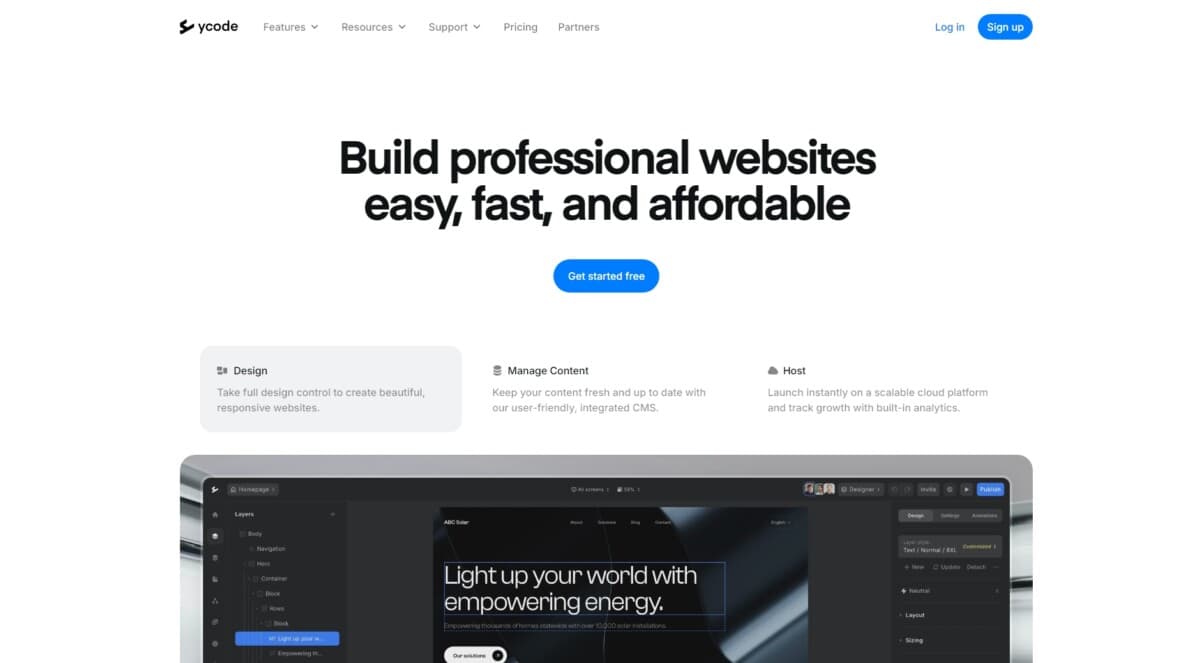
Ycode is an open-source visual website builder and CMS — a practical Webflow-style alternative you can run as managed Ycode Cloud or self-host on your own Vercel + Supabase stack. You get a drag-and-drop editor, collections, forms, localization, REST API access, and roles for owners, designers, and editors.
Official site: https://www.ycode.com. Compare it with nearby visual builders on WebsiteBuilders.Directory.
Key Features of Ycode:
🎨 Visual editor: Drag-and-drop pages with layers, design controls, and responsive breakpoints.
📚 Built-in CMS: Collections, fields, and dynamic binding for content-driven sites.
📝 Forms: Build forms visually and manage submissions in a dashboard.
🔌 API & webhooks: Public REST API plus webhooks for sync and automation.
🧩 Integrations: Apps such as Figma, Webflow import, Airtable, MailerLite, maps, and static HTML export (per Ycode docs).
🤖 AI-assisted building: Prompt-driven layout and CMS help on Cloud, with bring-your-own model options described on the vendor site.
☁️ Cloud or self-host: Managed hosting/CDN on Cloud, or fork and deploy open source yourself.
👥 Roles: Owner, Admin, Designer, and Editor collaboration levels.
Who is Ycode Best For?
• Designers and freelancers who want Webflow-like control with an open-source escape hatch.
• Founders shipping marketing sites, portals, and content-heavy sites without a full custom stack.
• Teams that care about owning infrastructure (self-host) or starting fast on managed Cloud.
• Agencies migrating or comparing against Webflow, Framer, or Webstudio.
Pricing on the official site (2026): self-host from $0/mo; Ycode Cloud from about $25/mo billed yearly ($30/mo monthly) per project, with plan limits such as CMS item caps on Cloud. Confirm live checkout on ycode.com — directory starting price may lag vendor changes.