Carrd Website Builder Review 2026: Features, Pricing & Alternatives
If you want a Carrd website builder that ships a clean one-page site without a bloated CMS, Carrd is still one of the sharpest budget picks in 2026. Freelancers, creators, and small launches use it for personal profiles, portfolios, waitlists, and product landing pages—especially when they need something live this afternoon, not next quarter. This review covers features, who it fits, pricing from our live listing, and sensible alternatives already listed on this directory.
See the live tool page for Carrd on WebsiteBuilders.Directory. Official product site: carrd.co.
What Is Carrd?
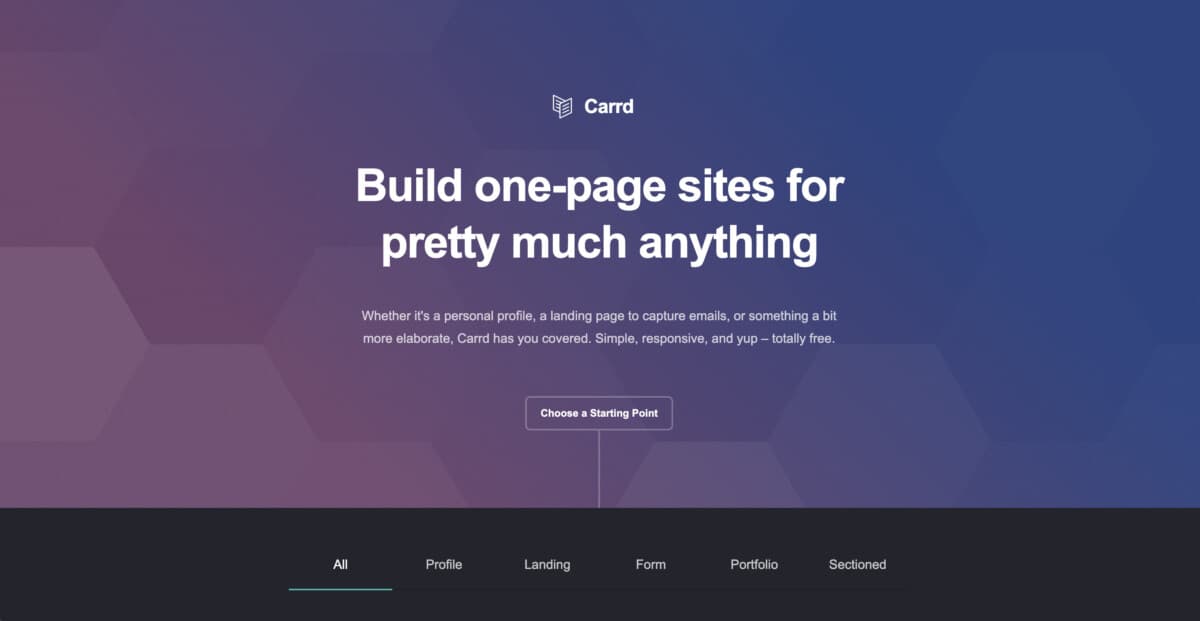
Carrd is a no-code builder built for simple, fully responsive one-page sites. You start from a template (or a blank canvas), stack sections, and publish—either on a Carrd subdomain or, on supported Pro plans, on your own domain with SSL. There is no multi-page CMS, no theme marketplace sprawl, and almost no ops. That constraint is the product: one focused page that loads fast and looks intentional on phones and desktops.
In practice, people use Carrd for link-in-bio style profiles, freelance portfolios, event pages, email capture landers, and lightweight product or waitlist sites. If your project needs blogs, membership areas, or dozens of listing pages, you will outgrow it—and that is fine. Carrd is optimized for the jobs it claims, not for every website shape.
Key Features of the Carrd Website Builder
- One-page focused editor: Build a complete site as a single scrollable page with sections, elements, and clear CTAs—no page tree to manage.
- Responsive templates: Dozens of starting points (plus Pro premium templates) that already look right on mobile, tablet, and desktop.
- Forms & signup integrations: On Pro Standard and above, add contact and email signup forms wired to providers like Mailchimp, Kit, ActiveCampaign, EmailOctopus, and many more.
- Widgets & embeds: Drop in Stripe, PayPal, Gumroad, Typeform, custom HTML/script embeds, and other third-party widgets when you need payments or richer UI.
- Custom domains & SSL: Connect your own domain with Let’s Encrypt SSL on Pro Standard and Pro Plus (not on Free or Pro Lite).
- Analytics hooks: Optional tracking via Google Analytics, Plausible, Matomo, and similar tools on supported Pro tiers.
- Branding control: Remove the “Made with Carrd” footer badge on Pro plans; Free keeps the badge.
- Fast, lightweight output: Sites stay lean—good for Core Web Vitals–sensitive landers and social traffic.
- Pro Plus power features: Advanced/custom forms (including Stripe Checkout paths), password protection, redirects, site source download, advanced element settings, and more when you need them.
Carrd Pricing (From Our Listing)
On our Carrd listing, the starts-at price is $19/yr. That is the figure we use across this directory for consistency—confirm the current checkout on Carrd if you are buying today.
Carrd also offers a real free plan (build up to three sites with core features and Carrd branding). Official Pro tiers, verified against Carrd’s plan docs, are billed annually:
- Free: Up to 3 sites on a Carrd subdomain; “Made with Carrd” branding; no custom domain, forms, or widgets.
- Pro Lite — $9/yr: Branding removal, premium templates, larger uploads, and related polish—but still no custom domain, forms, or embeds.
- Pro Standard — $19/yr: The popular tier that matches our listing starts-at. Adds custom domains with SSL, forms, widgets/embeds, analytics, and meta tags (10 sites on the base Standard plan).
- Pro Plus — $49/yr: Everything in Standard plus advanced forms, password protection, redirects, site downloads, advanced settings, and a higher site count (25 on the base Plus plan).
There is no monthly Pro billing—plans renew yearly. Higher site-count variants exist on Carrd’s Pro page if you need many sites; we do not invent those prices here. Budget against our listing $19/yr starts-at, then confirm the exact Pro checkout for your site count.
Pros and Cons
Pros
- Extremely affordable entry—listing starts at $19/yr, with a usable free tier
- Fast learning curve; publish a credible one-pager in an afternoon
- Lightweight, mobile-ready pages that feel snappy
- Solid Pro toolkit for forms, embeds, custom domains, and analytics
- Clear fit for portfolios, personal brands, and campaign landing pages
Cons
- One-page model only—no native multi-page site structure or blog CMS
- SEO controls are basic compared with Webflow or WordPress
- Not built for ecommerce catalogs, memberships, or large directories
- Pro Lite looks cheap but does not unlock custom domains or forms—most buyers need Standard ($19/yr)
Who Is Carrd Best For?
- Creators & freelancers who need a personal site, portfolio, or link hub without monthly SaaS bloat
- Founders & marketers shipping a waitlist, launch, or lead-capture landing page quickly
- Small businesses that only need a single polished page for an offer, event, or location
- Budget-conscious builders who want a custom domain and forms around the $19/yr listing price
Skip Carrd if you need multi-page architecture, a blog, client CMS workflows, or advanced design systems. For those jobs, compare our Webflow website builder review 2026 or the tools in Framer alternatives 2026 (Carrd itself appears there as the lean one-pager option). Building a multi-listing directory product? Carrd is not that tool—see our best directory website builder guide for listing-focused stacks instead.
Carrd vs Alternatives
Quick comparison against tools readers usually evaluate next (prices from our directory listings where noted):
- vs Webflow: Webflow wins on multi-page CMS, design depth, and agency workflows (listing from $18/mo). Carrd wins on speed-to-publish and annual cost for a single lander. Read the full Webflow review 2026.
- vs Framer: Framer shines for motion-heavy, design-led marketing sites (listing from $5/mo). Carrd is the cheaper, simpler one-page alternative when animation and multi-page CMS are overkill. See Framer alternatives 2026.
- vs Webstudio: Webstudio targets open visual CSS control and export/self-host paths (listing from $20/mo). Choose Carrd for the simplest one-pager; choose Webstudio when you need a Webflow-class canvas with ownership. See our Webstudio review 2026.
| Builder | Starting price (our listings) | Best for | Multi-page / CMS |
|---|---|---|---|
| Carrd | $19/yr | One-page sites & landers | No (one page) |
| Webflow | $18/mo | Design + CMS + agencies | Yes |
| Framer | $5/mo | Motion / marketing sites | Yes (site-scale) |
| Webstudio | $20/mo | Open visual CSS + export | Yes |
Prices above match our directory listings where available; always re-check the tool page or vendor before you buy.
How to Get Started with Carrd
- Open the Carrd listing and jump to the official site.
- Pick a template close to your goal (portfolio, profile, waitlist) or start blank.
- Replace placeholder copy with a clear offer, proof, and one primary CTA.
- Decide Free vs Pro early: custom domain and forms need at least Pro Standard ($19/yr listing start).
- Preview mobile, set meta/title fields on Pro, connect analytics if you use them, then publish.
Frequently Asked Questions
How much does the Carrd website builder cost?
Our listing starts at $19/yr (Pro Standard territory). Free and Pro Lite ($9/yr) exist; Pro Plus is $49/yr on Carrd’s plans docs. Confirm live checkout for taxes and higher site-count tiers.
Does Carrd have a free plan?
Yes. Free covers up to three sites with core features and Carrd branding. Custom domains, forms, and widgets require Pro Standard or higher.
Can I use a custom domain with Carrd?
Yes on Pro Standard and Pro Plus. Free and Pro Lite stay on Carrd/premium subdomains without your own domain.
Is Carrd good for SEO in 2026?
Good enough for a focused landing page: fast load, clean structure, and meta tags on Pro. It is not a long-form content or multi-URL SEO platform—use Webflow or WordPress if that is the job.
Is Carrd a directory website builder?
No. Carrd builds one-page sites. For multi-listing directories, start with our best directory website builder guide.
Final Verdict: Is Carrd Worth It in 2026?
Carrd is worth it if your job is a sharp one-page site—portfolio, personal brand, waitlist, or campaign lander—and you want to stay near our listing starts-at of $19/yr (with a free path to test). The editor is fast, the pages stay light, and Pro Standard unlocks the domain + forms combo most professionals actually need.
It is not a Webflow or Framer replacement for multi-page brands, and it will not replace a directory stack. But if your shortlist is “simple, cheap, one page, ship today,” Carrd belongs at the top in 2026.
Compare Carrd with other builders on WebsiteBuilders.Directory, start from the Carrd tool page, and pick the builder that matches the job—not the loudest brand name.